
This article will show you how to reset your app if you have some issues mostly caused by an old cache stored by the app and your device. This procedure should help you for most of the cases, but please don’t do this procedure unless you were instructed to do it!
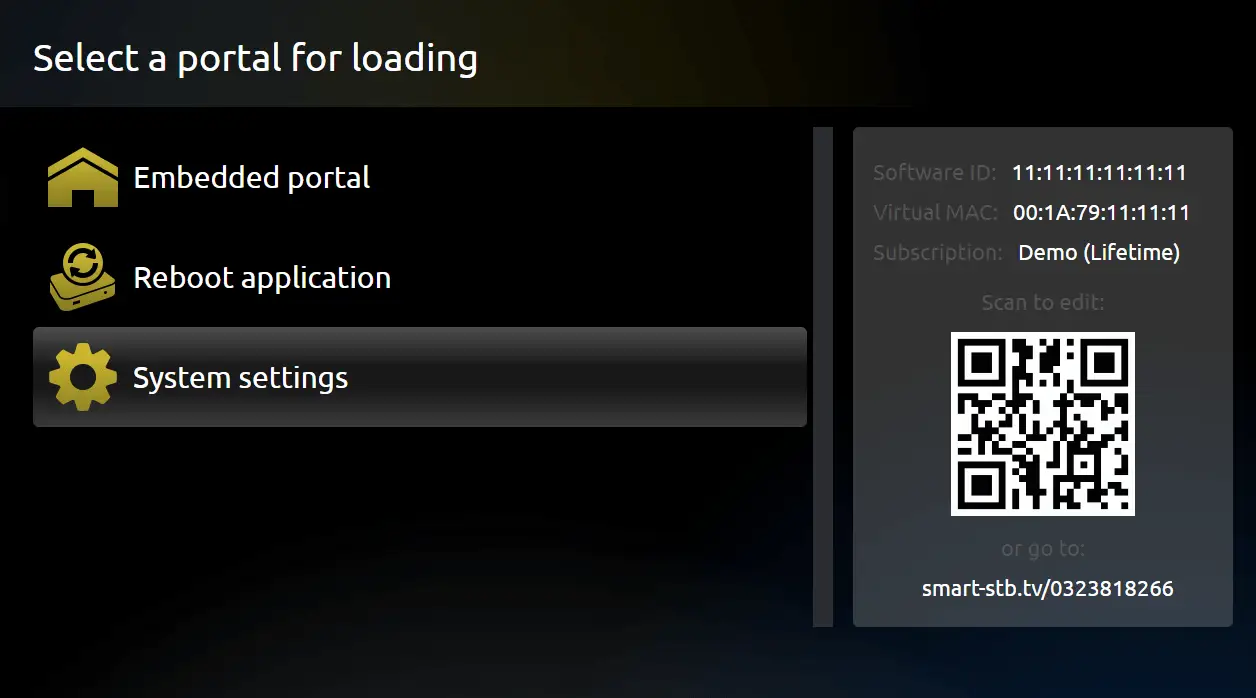
Start the app, press OK/Center or Arrow keys when you see “Loading Portal” and go to Settings.
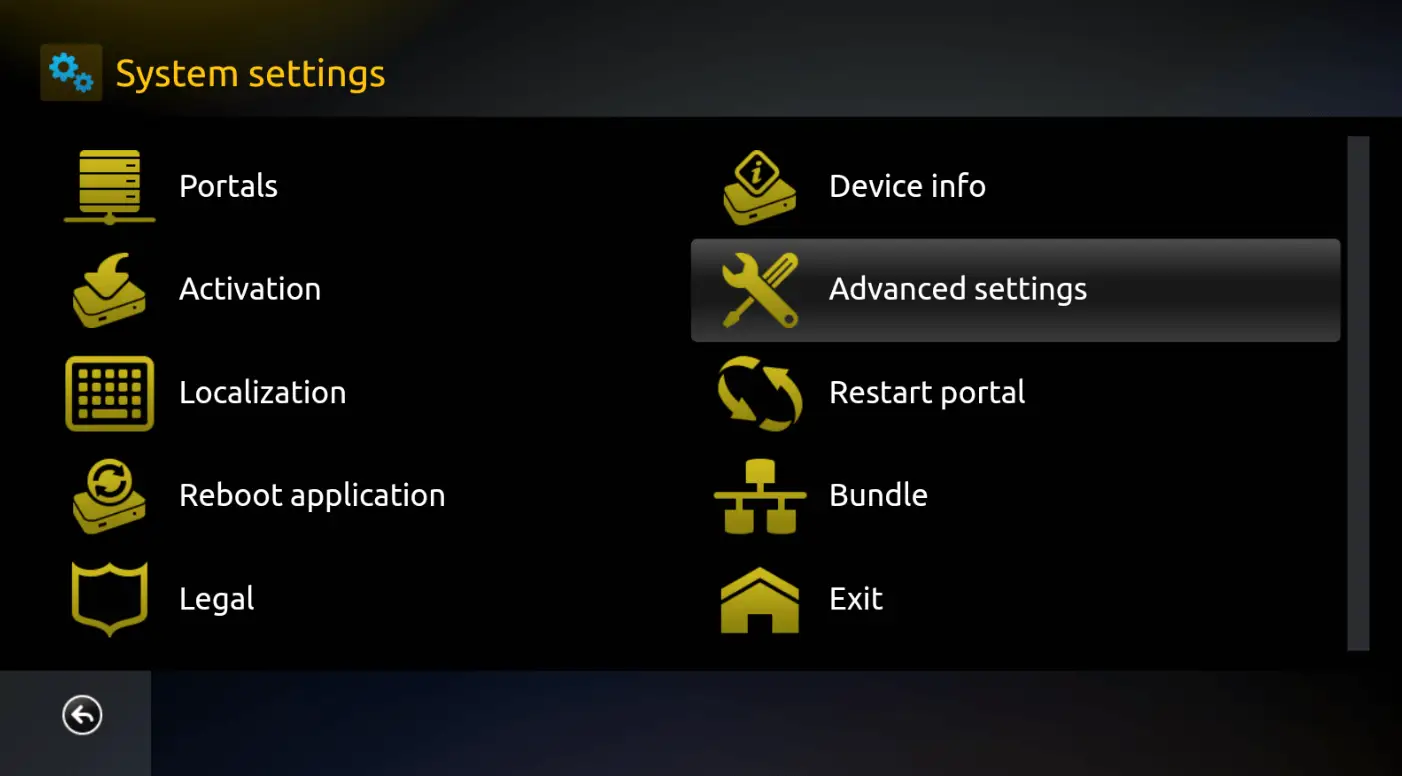
Then go to Advanced Settings and Press red color button on your remote.
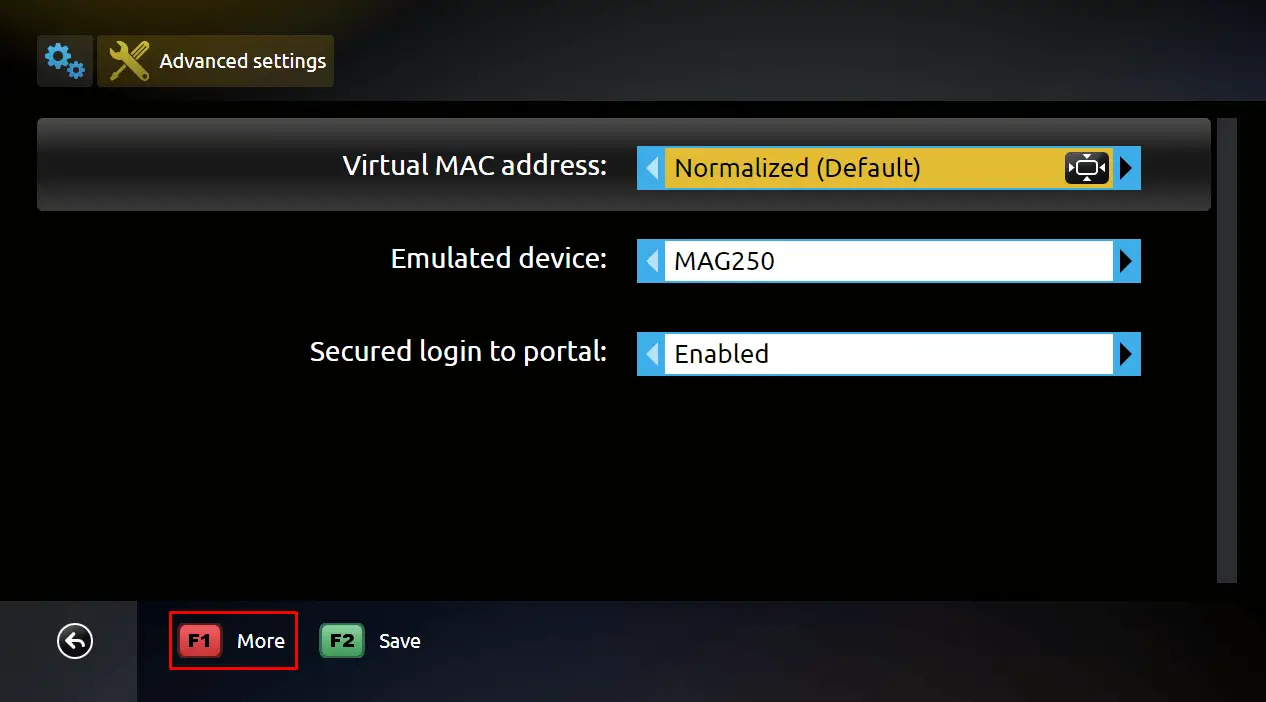
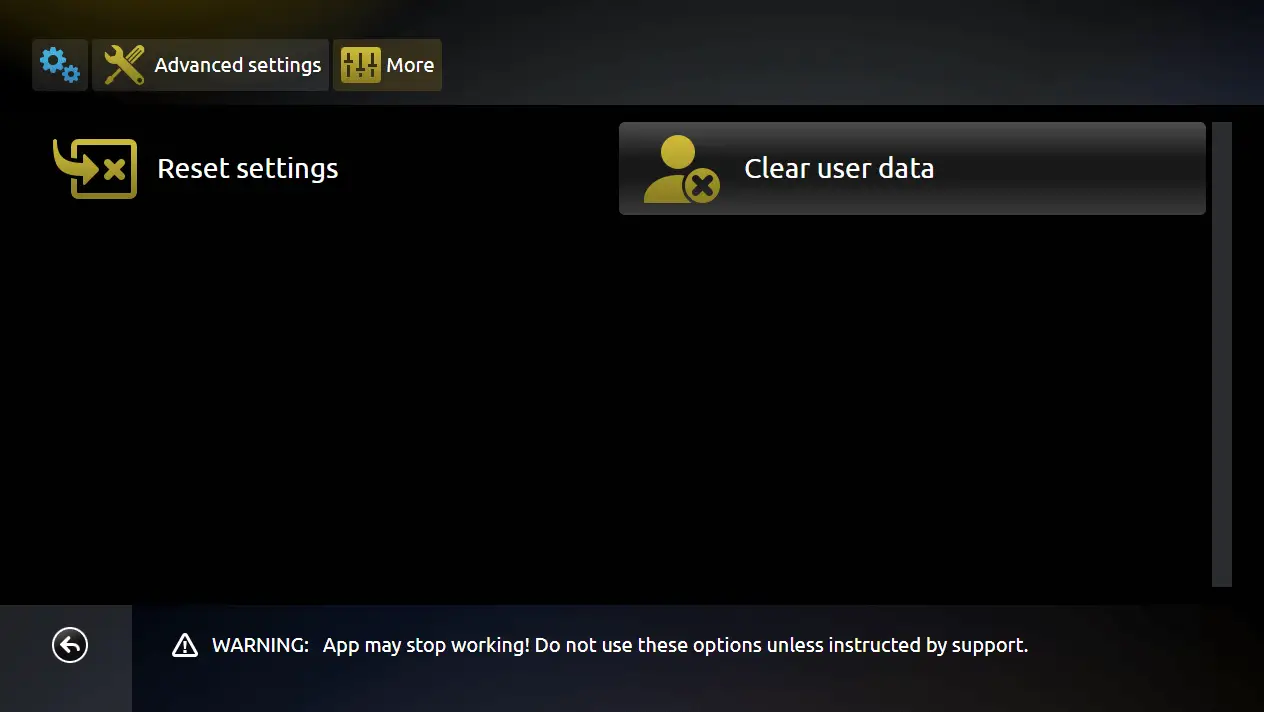
Go to Reset Settings to clear all Saved Portals.
We recommend you do not do this unless instructed to do so!
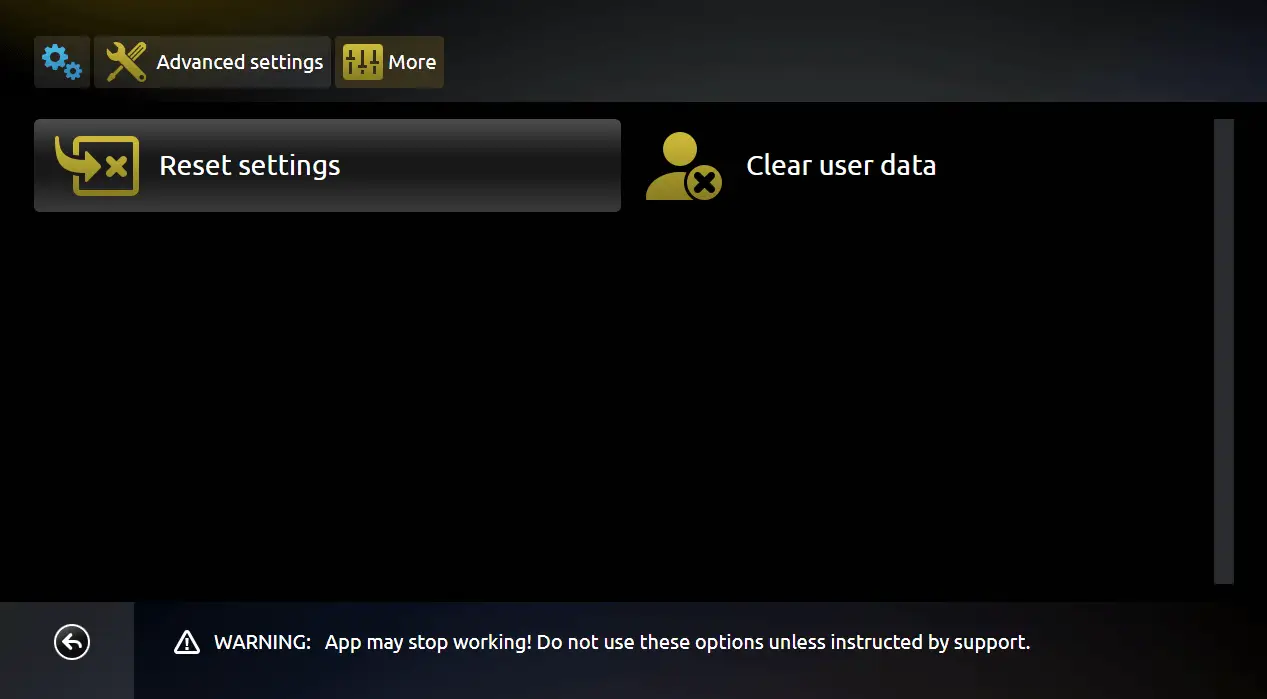
Or go to Clear User Data to clear ALL application and User data stored on your TV.
We recommend you do not do this unless instructed to do so!
After this procedure you should add your portals again to be able to watch TV.